

The Backup Passphrase is a series of 12 random words provided when you first created your IronVest account. It should be copied and saved in a secure location that you can always access and will not lose. If you didn’t save it at that time, here’s how you can still find your Backup Passphrase:
On the website:
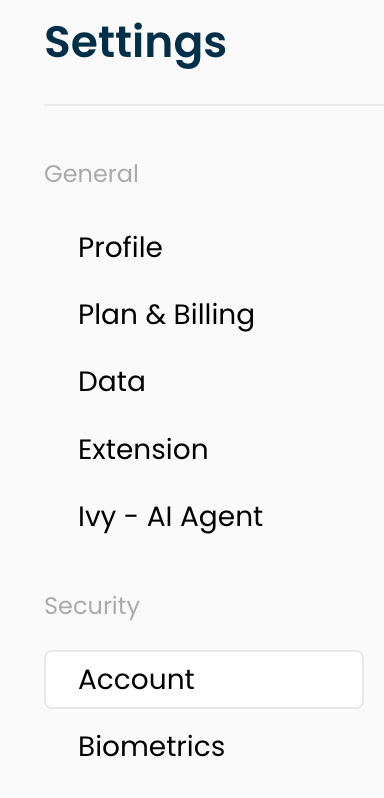
1. Go to the Settings page here: https://ironvest.com/app/settings
2. Select the "Account" section
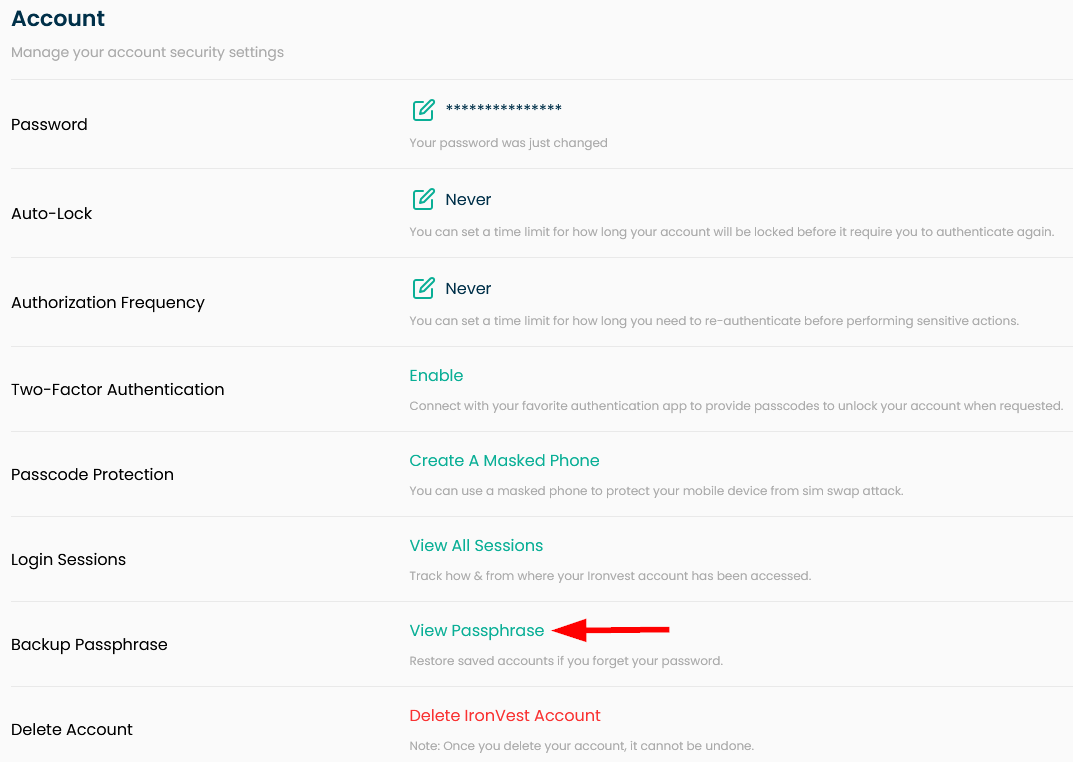
3. Click "View Passphrase"
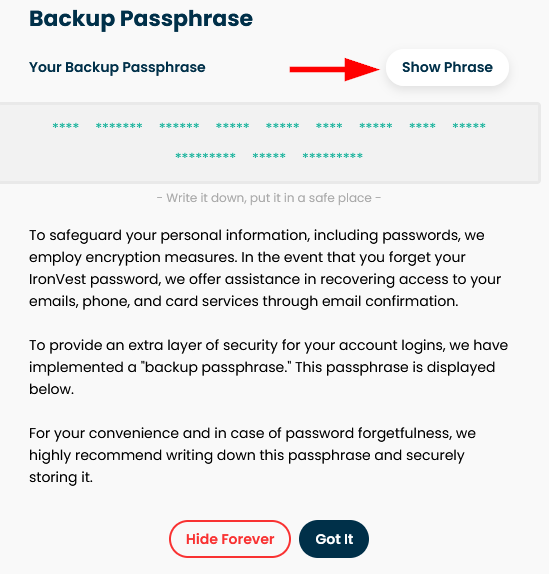
4. Click "Show Phrase"
5. Enter your password and submit.
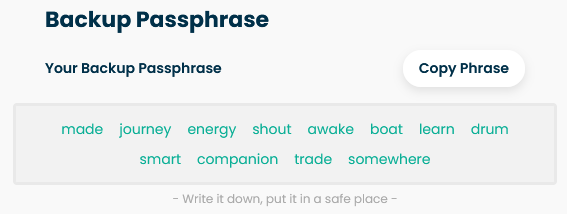
6. You will then see the Backup Passphrase.
On the mobile app:
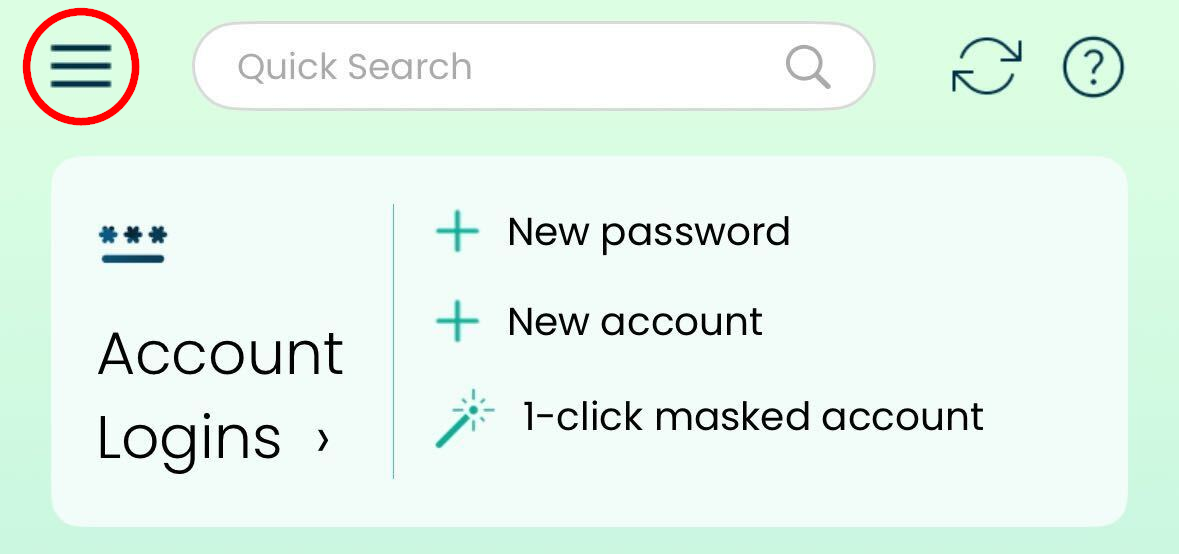
1. On the Dashboard, tap ☰ the icon for more options.
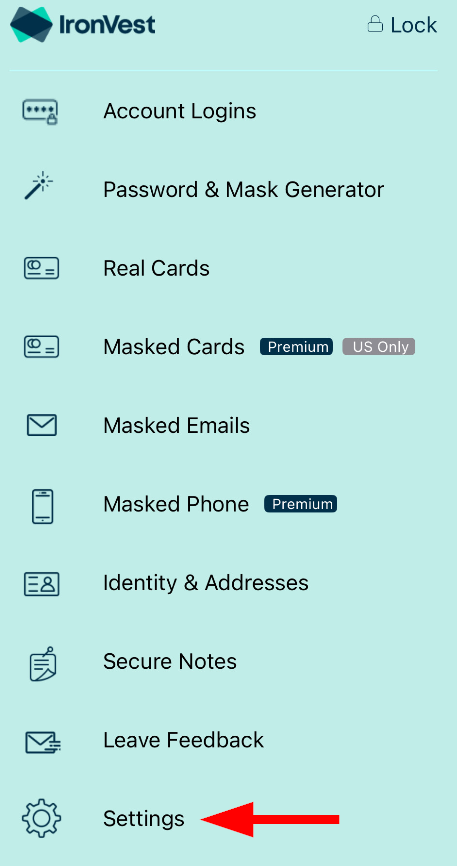
2. Select Settings
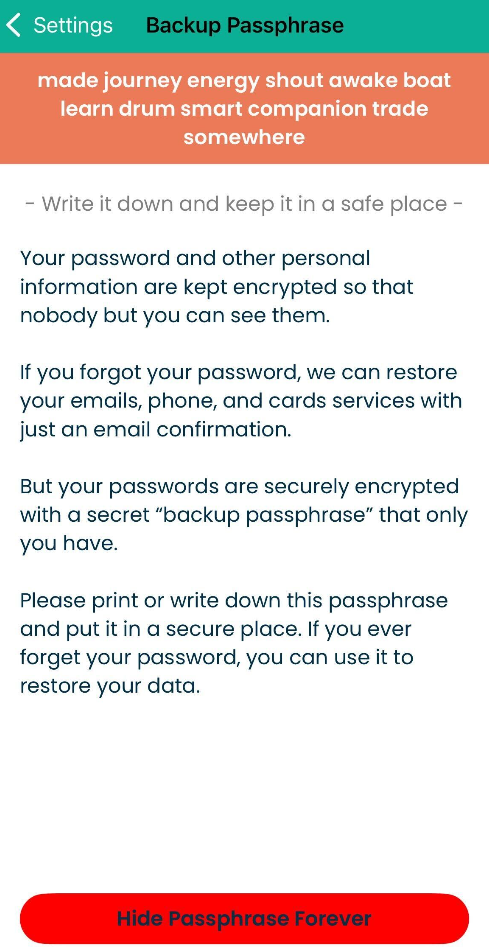
3. Look for “Backup Passphrase” and tap it.
4. You will see it at the top in the orange banner
⚠️ Warning: If you lose your Backup Passphrase and forget your password, you will not be able to recover your account without losing data. This data includes your accounts, passwords, addresses, and identities. However, your Masked Emails, Masked Phone, and Masked Cards will not be affected.