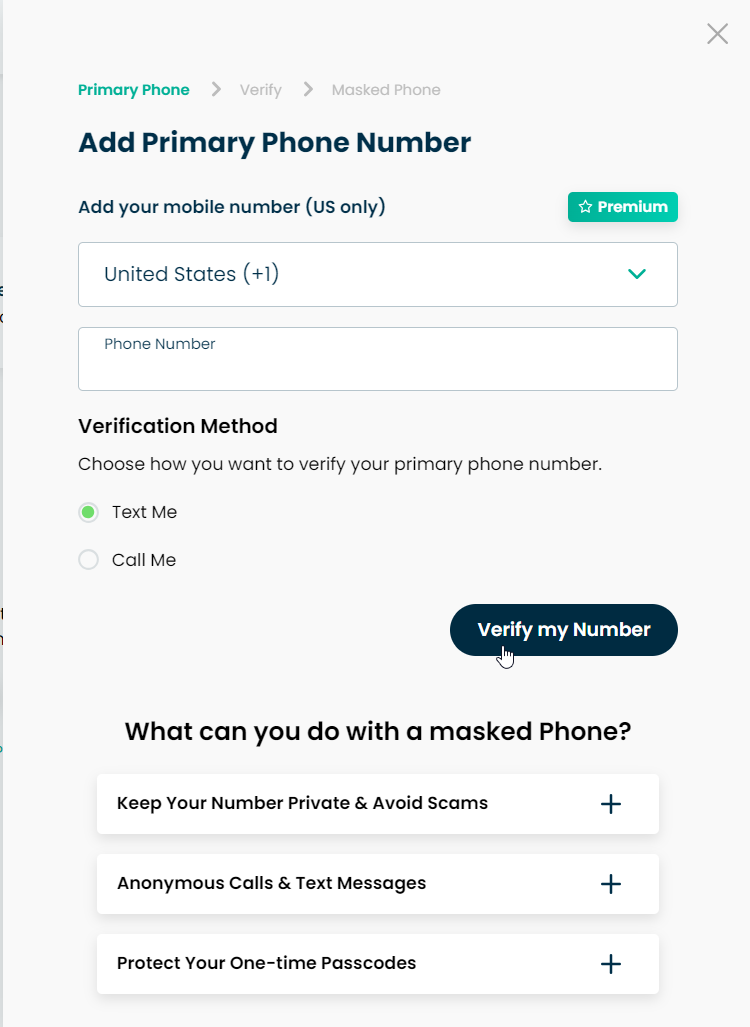
If you have a non-US Phone number, please contact support for set-up assistance.
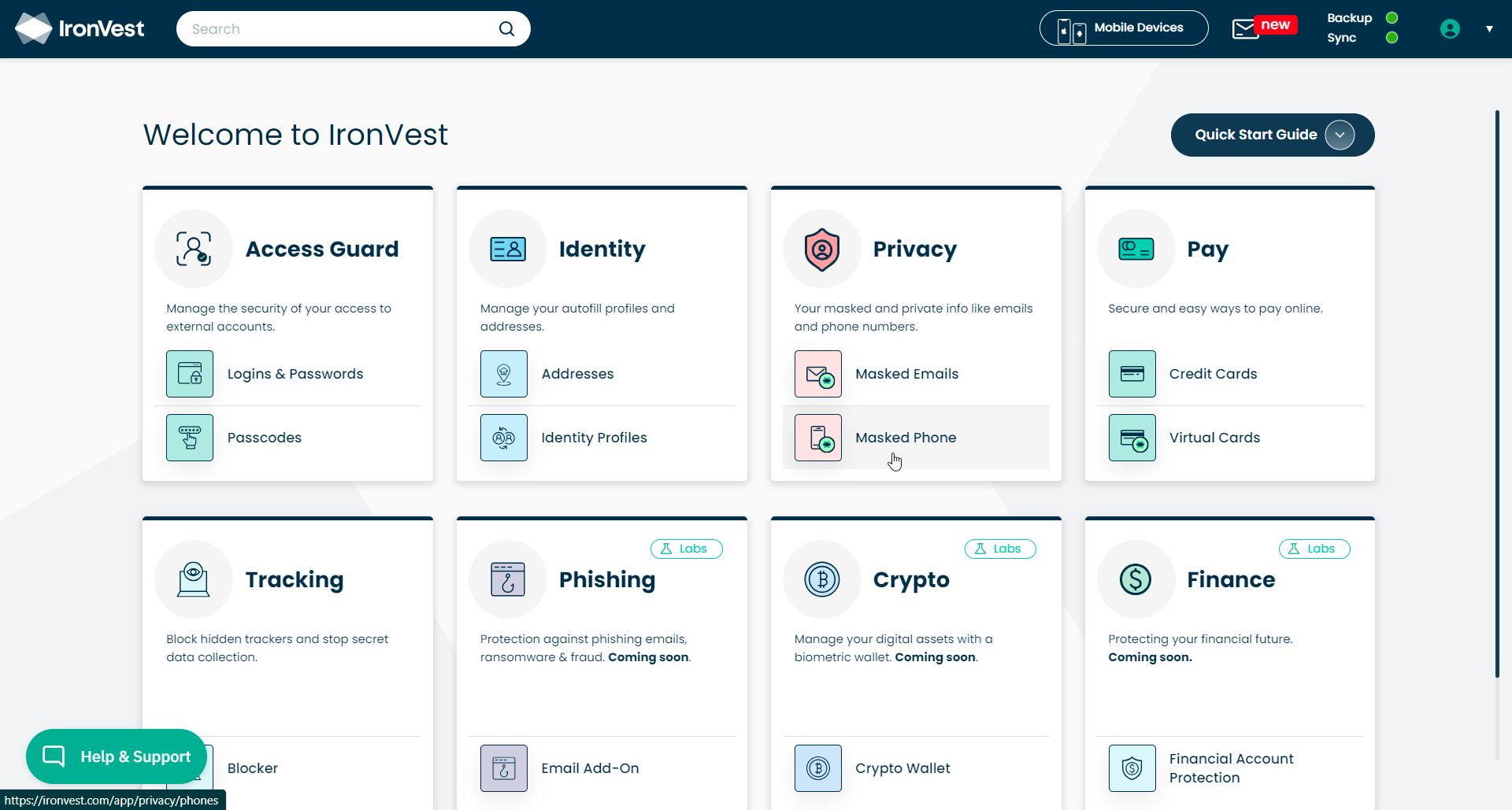
When you land on the Dashboard, click the Masked Phone option.
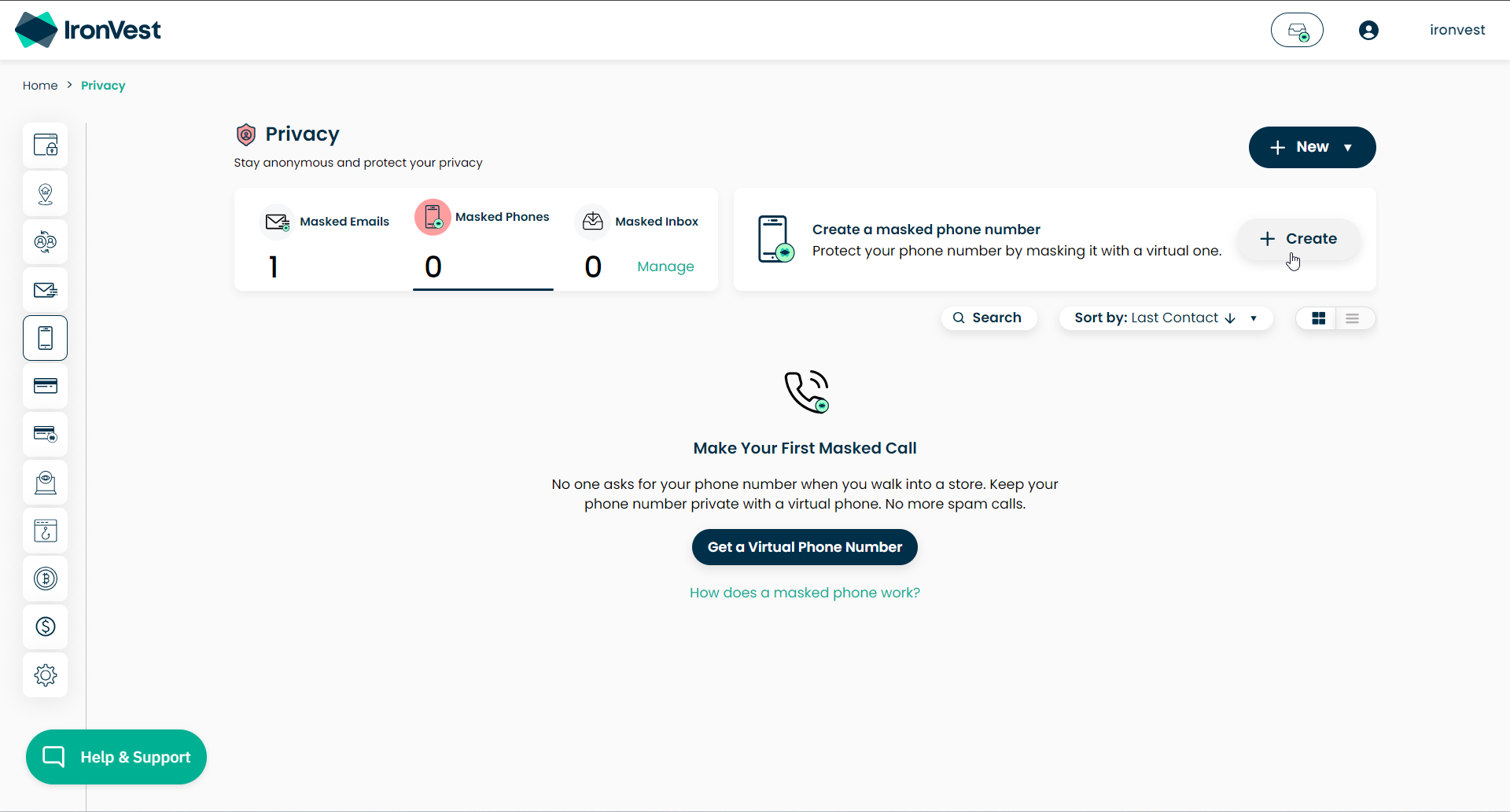
Click the "Create" button on the top right of the screen.
Select your country from the drop-down. Please note that Masked Phone is only available in selected countries. To see a list, check out this FAQ.
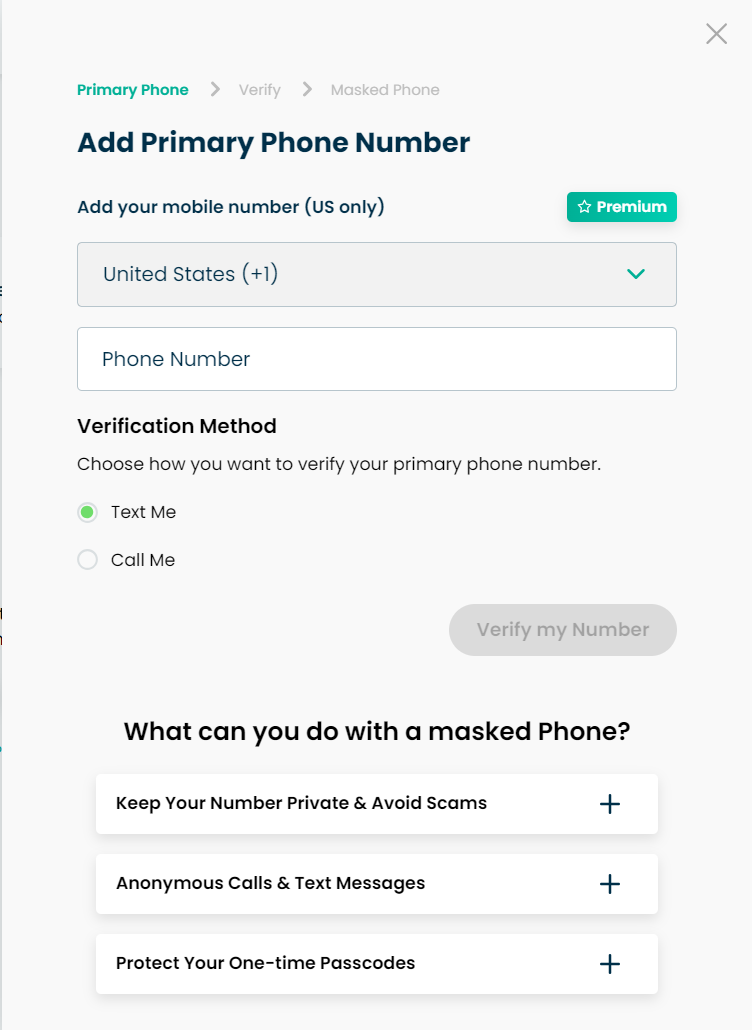
Enter your real phone number.
Choose the option you'd like to use to verify your number and click the Verify My Number button.