

On your computer:
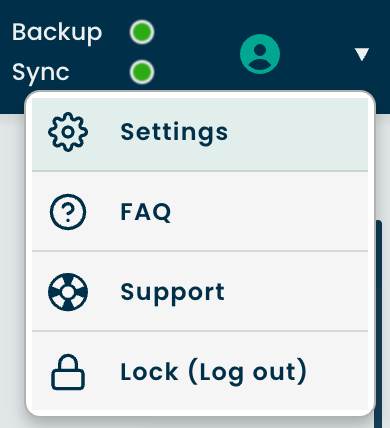
1. On your Dashboard, click the Account icon at the top-right corner
2. Select Settings
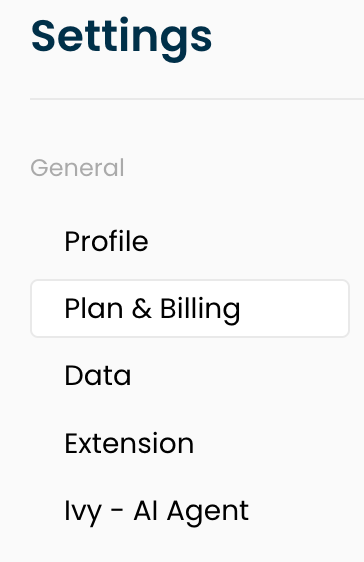
3. Go to Plan & Billing
4. Click Manage under Payment Method

5. Enter your card details and click 'Add Card'.
On the mobile app:
1. Tap on the ☰ icon at the top left for more options
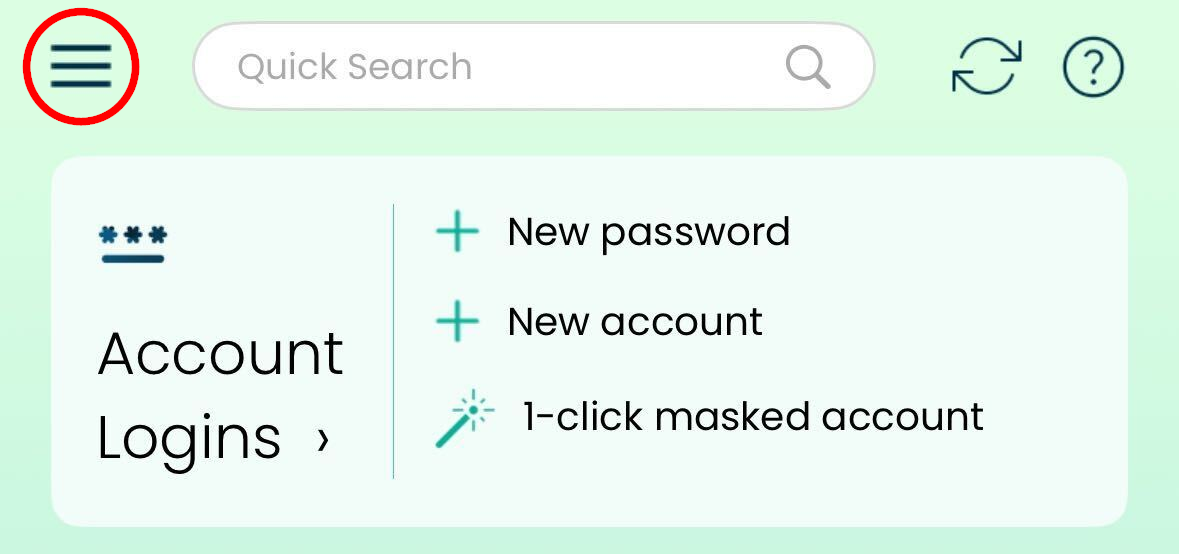
2. Select Settings
3. Tap on Payment Method
4. Enter the card details and tap Continue