

To delete all of your stored accounts and passwords you can reset your account. This will also delete any data stored on our servers, allowing you to have a clean slate and start storing new accounts.
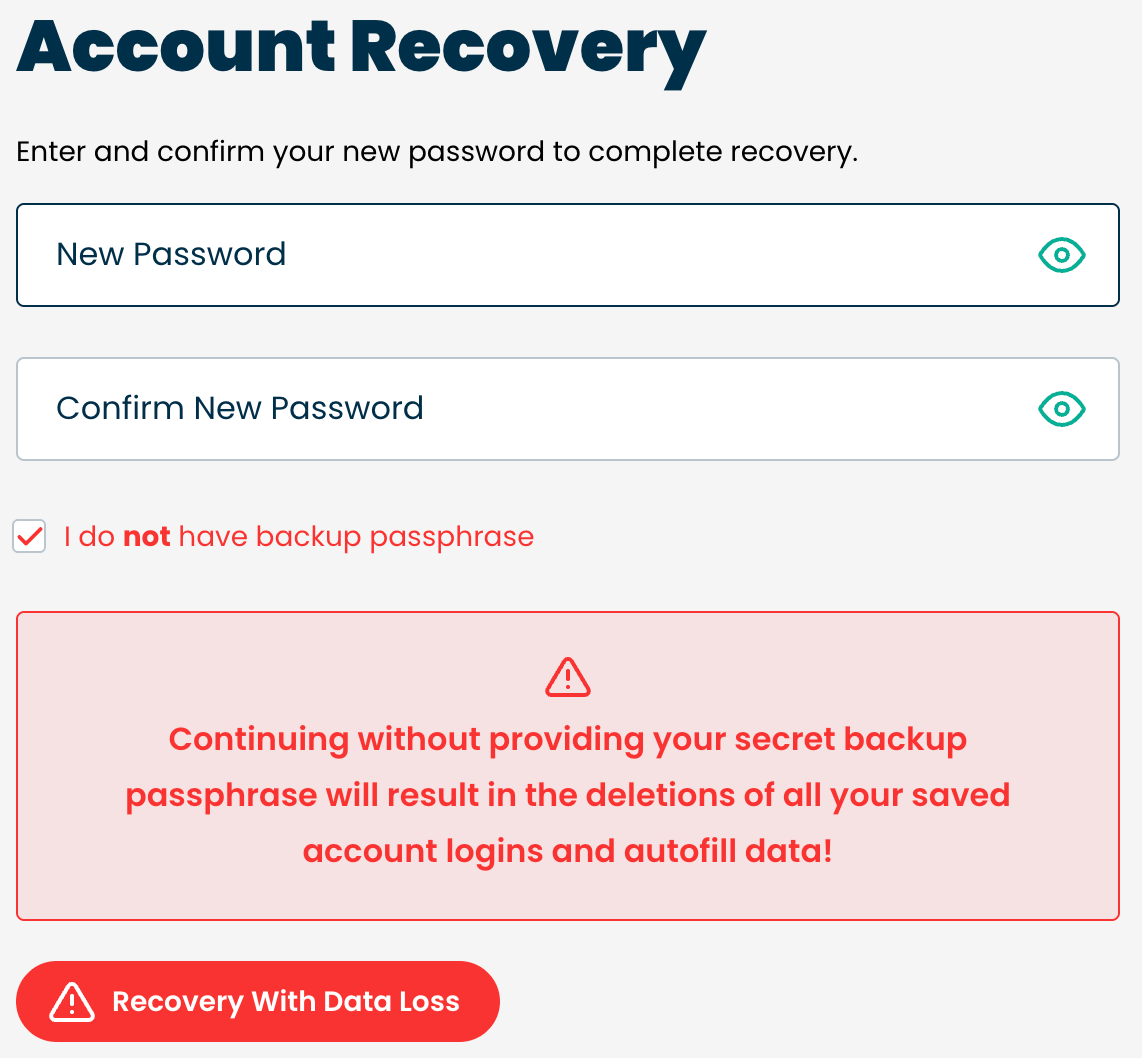
To reset your account, be sure your account is locked and then use this link (https://ironvest.com/app/0/#forgot) and follow the instructions for an account reset. You will be prompted to enter your backup passphrase - do not.
Once you log back in, make sure to locate your new Backup Passphrase and write it down. You can find more details here: Where can I find my Backup Passphrase?