

On your computer, log in to your IronVest account
Go to your Settings page here: https://ironvest.com/app/settings
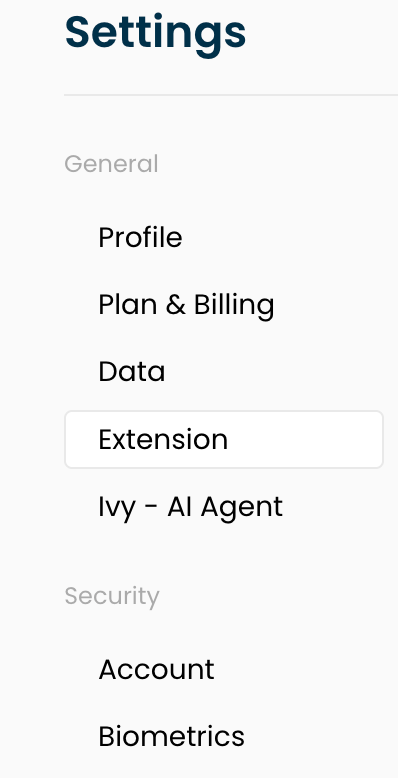
Click the 'Extension' tab
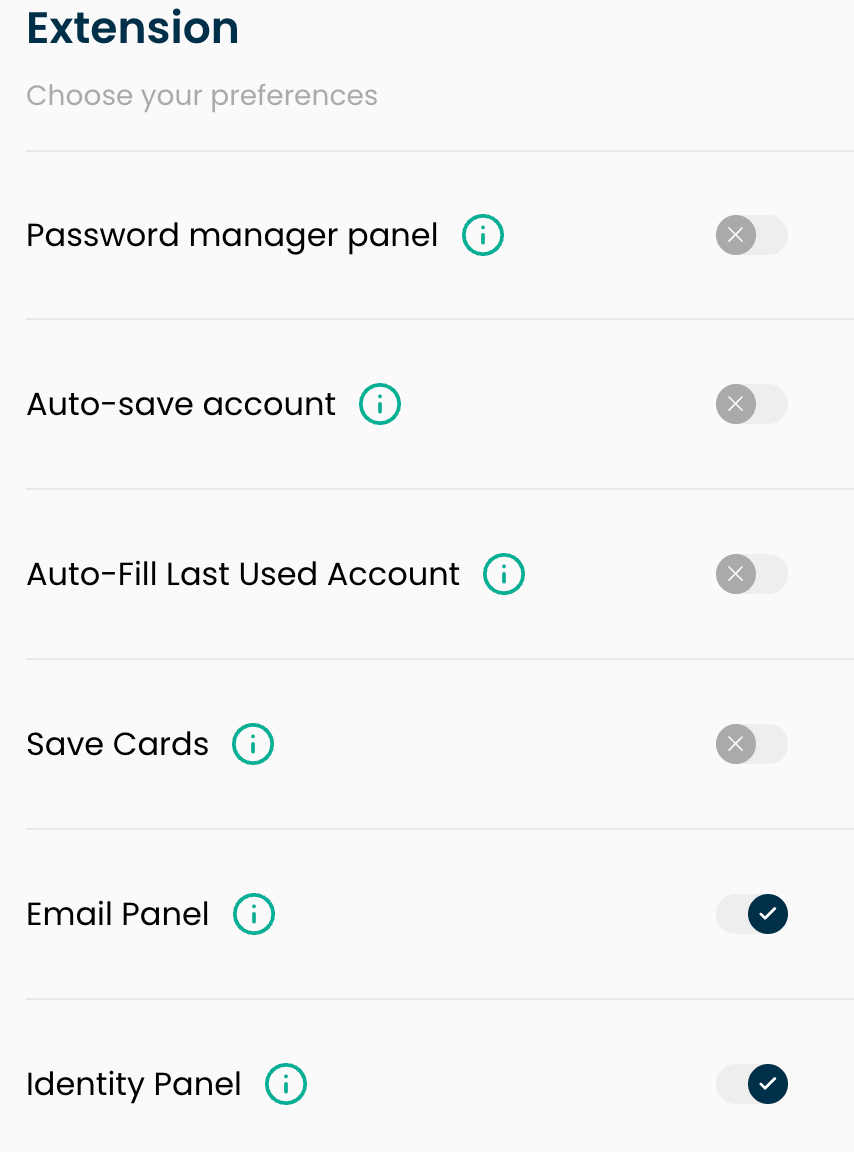
Click the toggles next to Password manager panel, Auto-save account, Auto-Fill Last Used Account, Save Cards, and any others you wish.
📌 Note: If you prefer not to use any of the autofill features and would rather access your IronVest account only through the web app, you can uninstall the extension from your browser. For instructions on how to remove the extension, please see our article: How do I Uninstall IronVest?