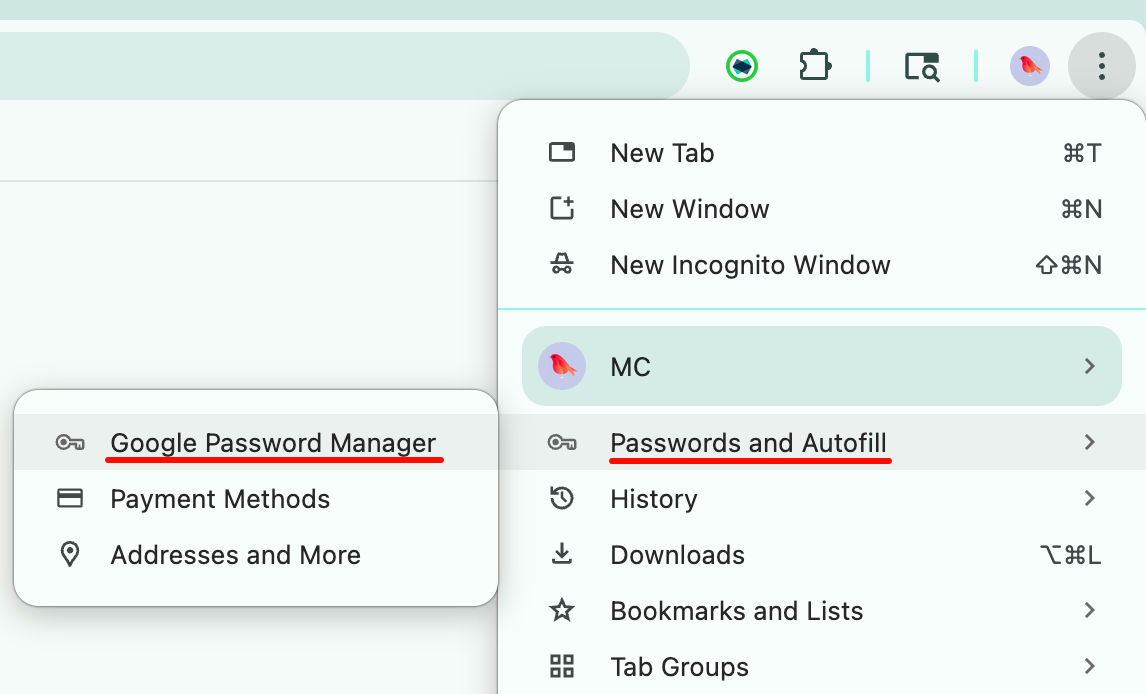
At the top right corner of your browser toolbar, click the three dot menu.

Select 'Passwords and Autofill' and click 'Google Password Manager'
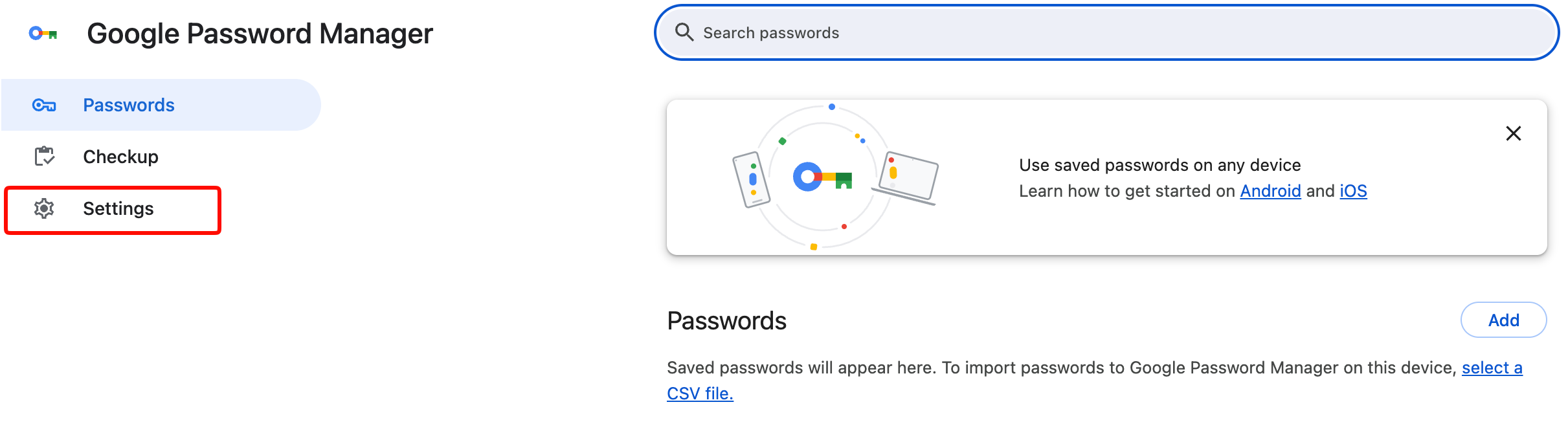
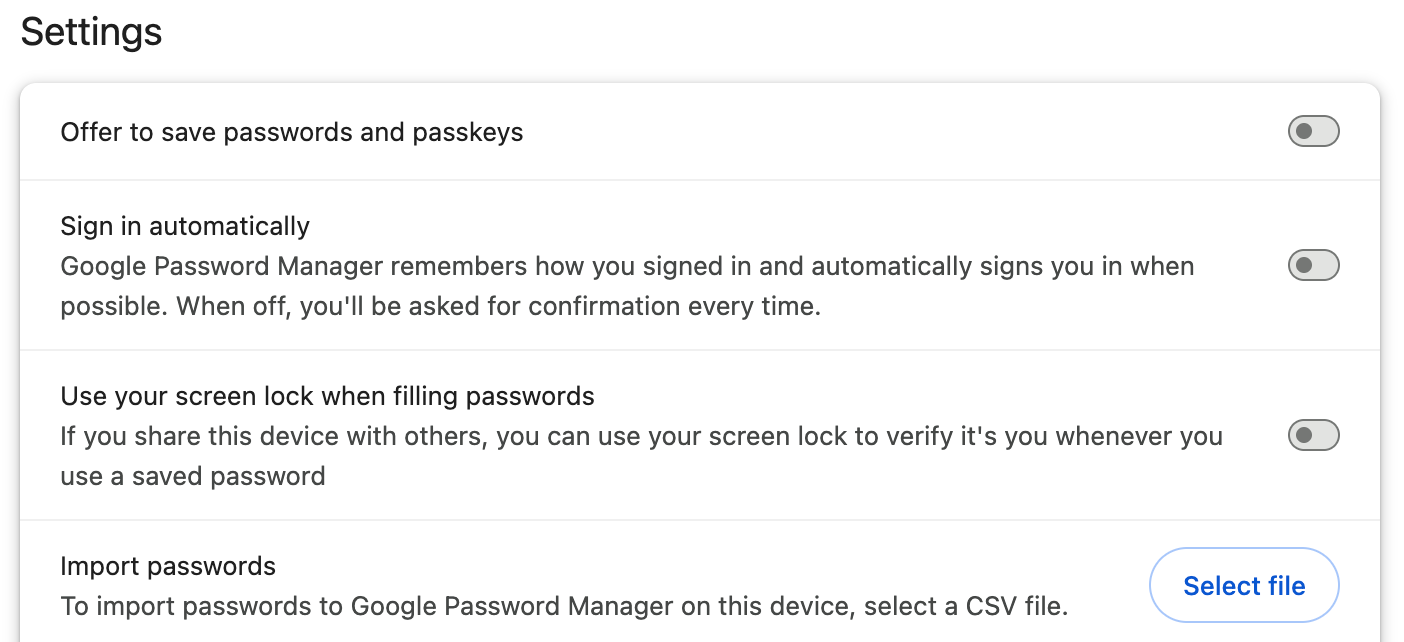
Click 'Settings'
Disable 'Offer to save passwords and passkeys' and 'Sign in automatically'.
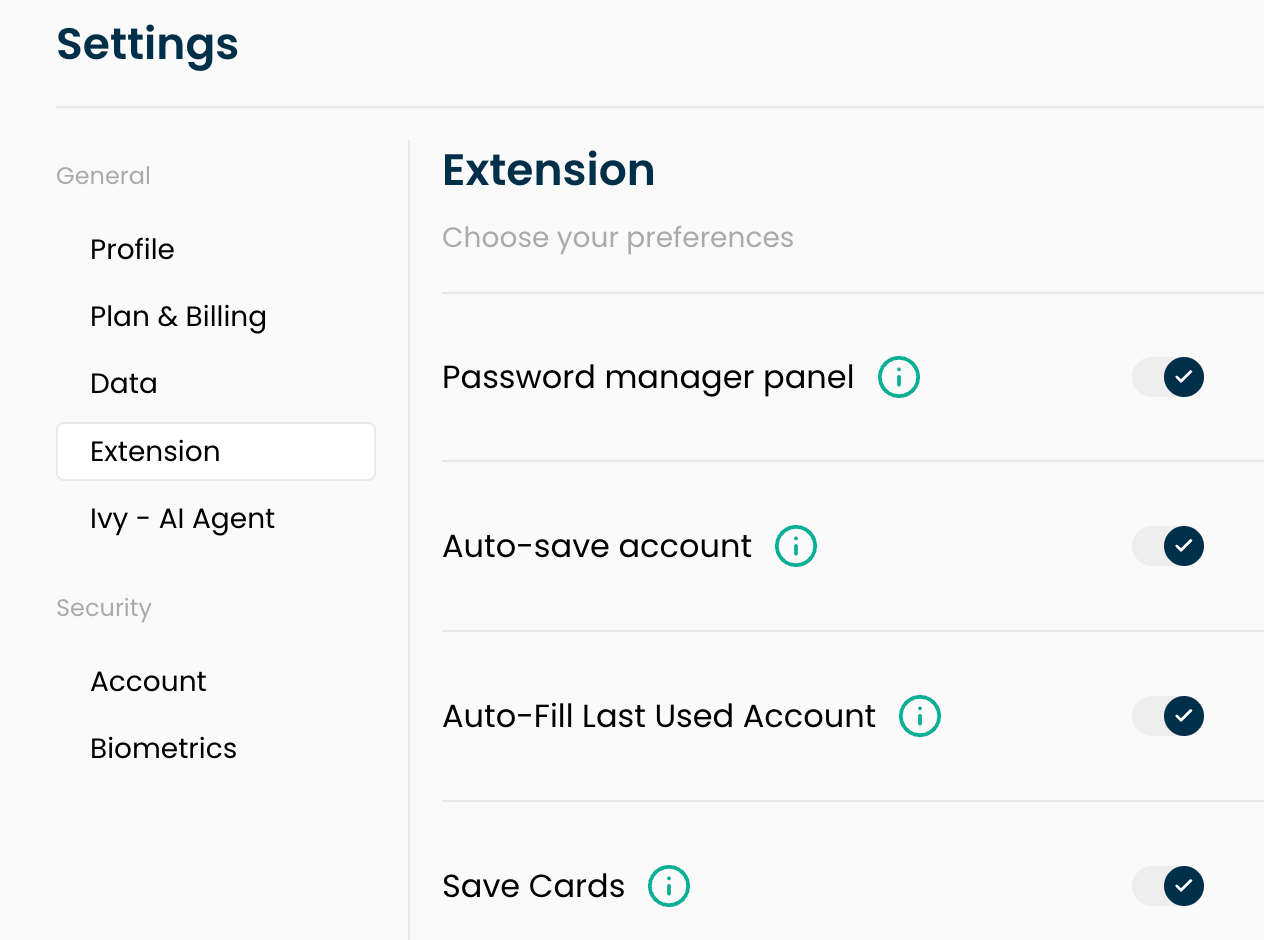
Finally, make sure that you have the IronVest extension installed on your browser, and that the Password Manager panel and other features are enabled in your extension settings.
You can install the IronVest browser extension here: Installing the extension
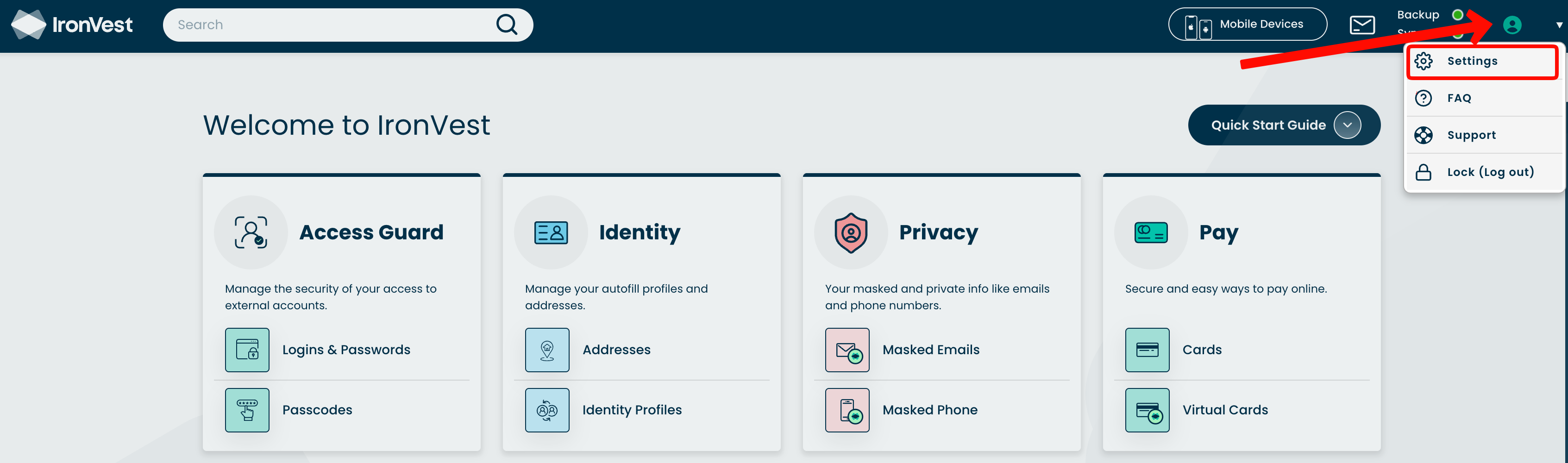
You can access your extension settings by logging in to your IronVest account, clicking the Account icon in the top right corner, then selecting 'Settings' followed by 'Extension'.