

For Android:
1. Log in to the IronVest app with your email and password
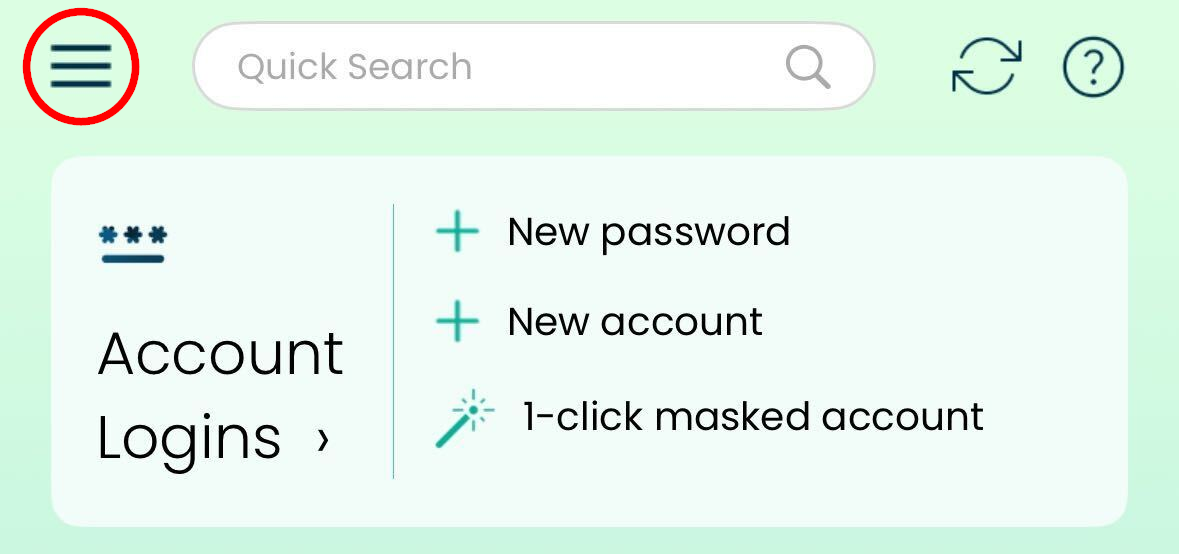
2. Tap on the ☰ icon at the top for more options
3. Select Settings
4. Tap "Enable Android Autofill" and follow the instructions
At the time, the Android app will only autofill in Firefox. If you encounter any issues, please contact support.
For iOS:
Open Settings on your phone
Go to General
Tap the setting for AutoFill & Passwords
Turn on the switch for AutoFill Passwords and Passkeys
Enable IronVest in the "Autofill From" section