

To view the history of previous changes of a saved account, follow these steps:
1) Go to the Logins and Passwords section on the website
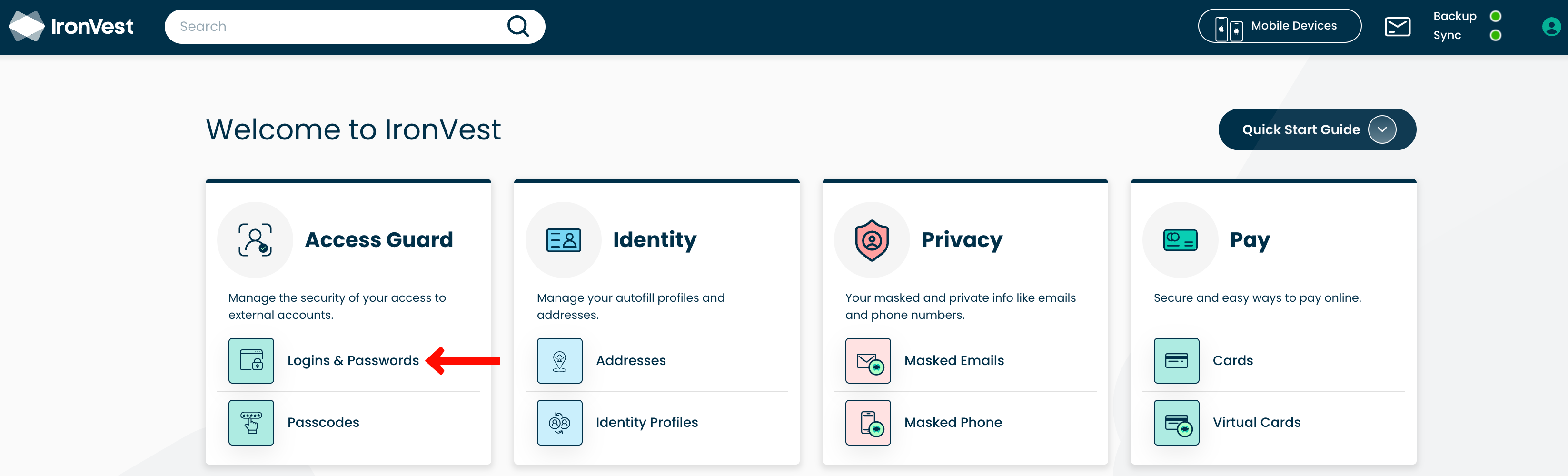
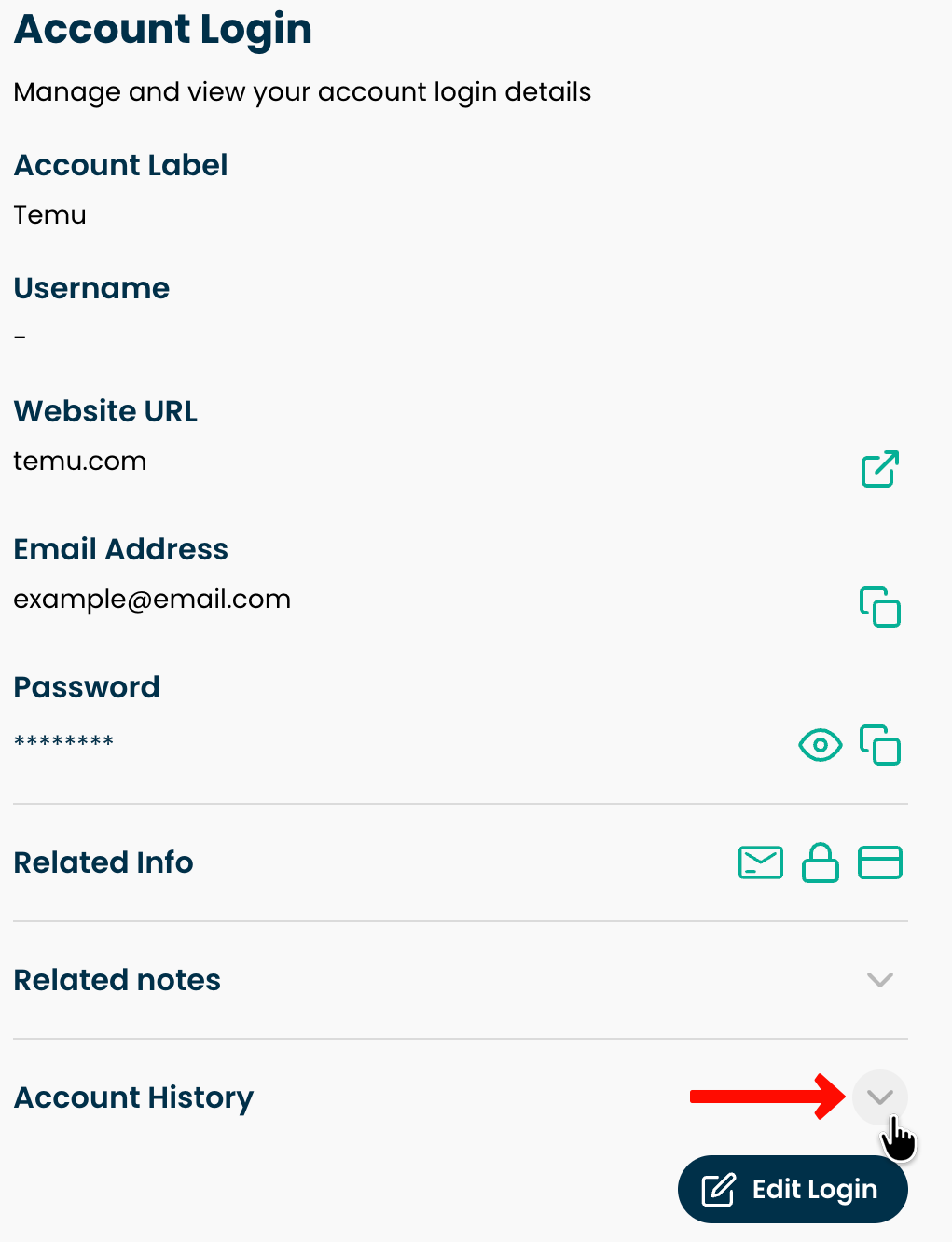
2) Click on the Account you'd like to view the History for (do not click the 'Edit' button).

3) Click the arrow next to Account History. Please note the arrow is only clickable if the account has had password or email / username changes.
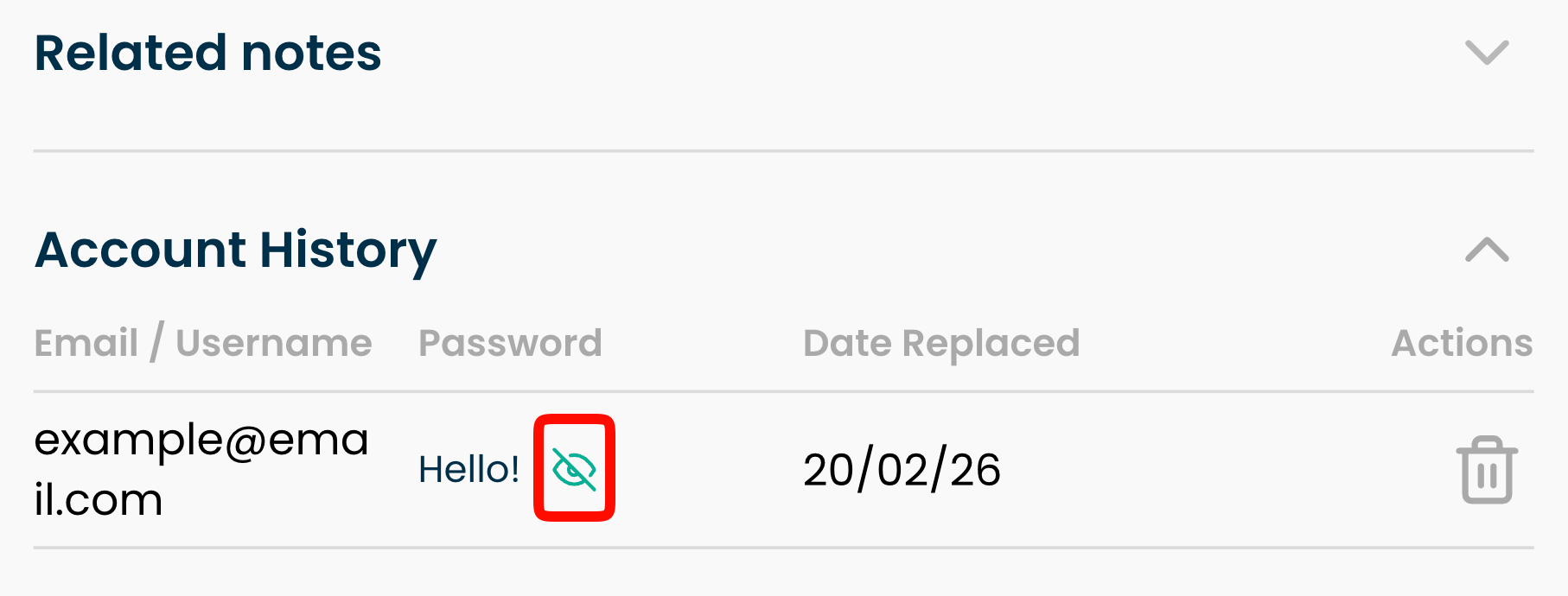
4) Click on the eye icon to view the password.
📝 Note: Account History is currently accessible via the website only and is not available in the mobile app at this time.