

Using the website:
On the Dashboard, click Masked Phone under the Privacy section
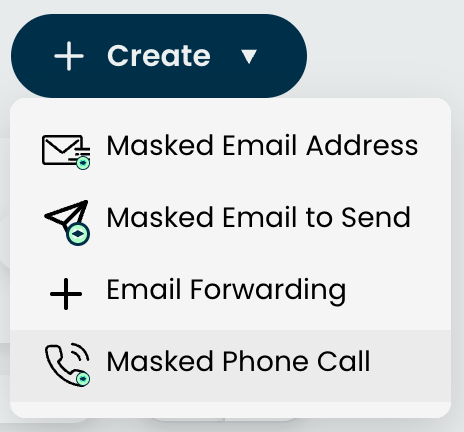
Click '+ New' and select 'Make a Masked Call
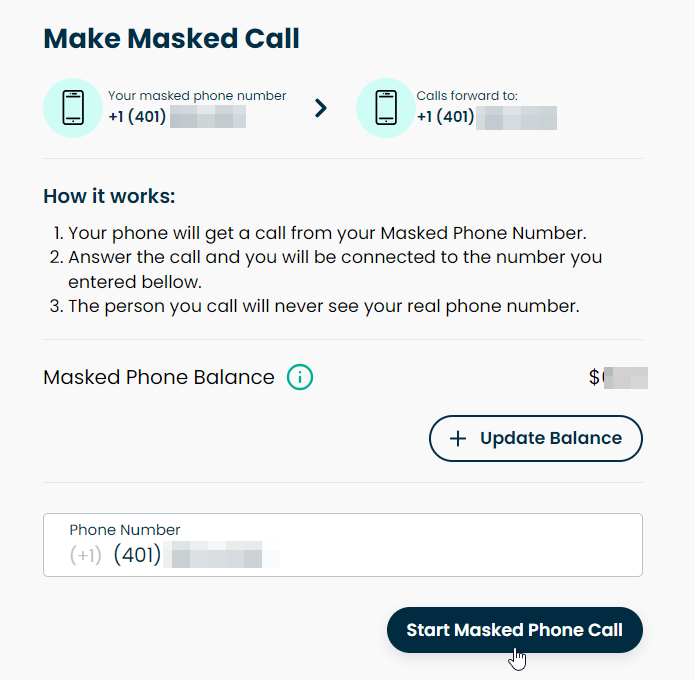
Enter the number you'd like to call
Click 'Start Masked Phone Call'
Using the mobile app:
Click on Masked Phone on the Dashboard.
Click 'Make Call' on the bottom right.
Enter the number you'd like to call
Click 'Start Masked Call'
You will then receive a call on your real phone number from the Masked Phone that will connect you to the number you wanted to call.