

Using the IronVest Website:
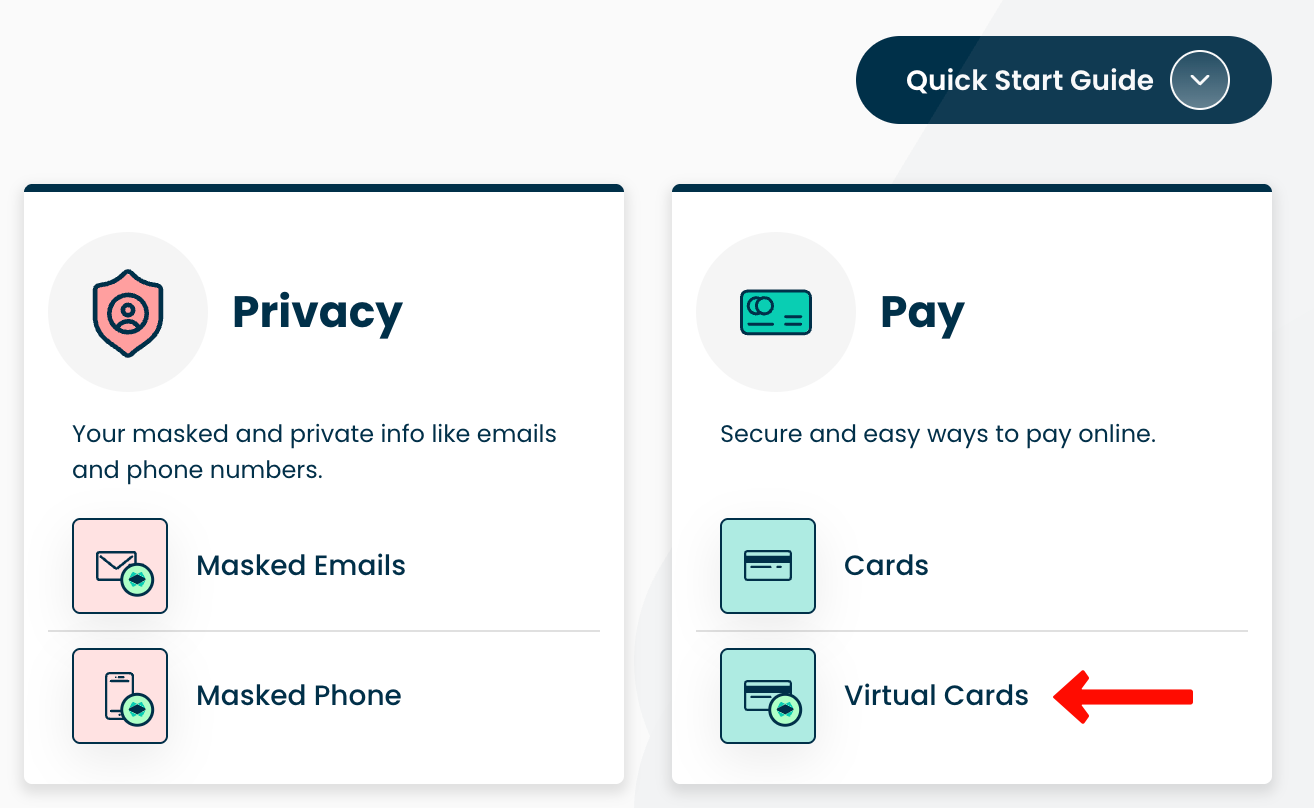
1. Go to the Virtual Cards section.
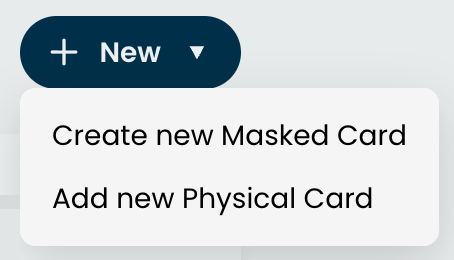
2. Click '+ New' and select 'Create New Masked Card'
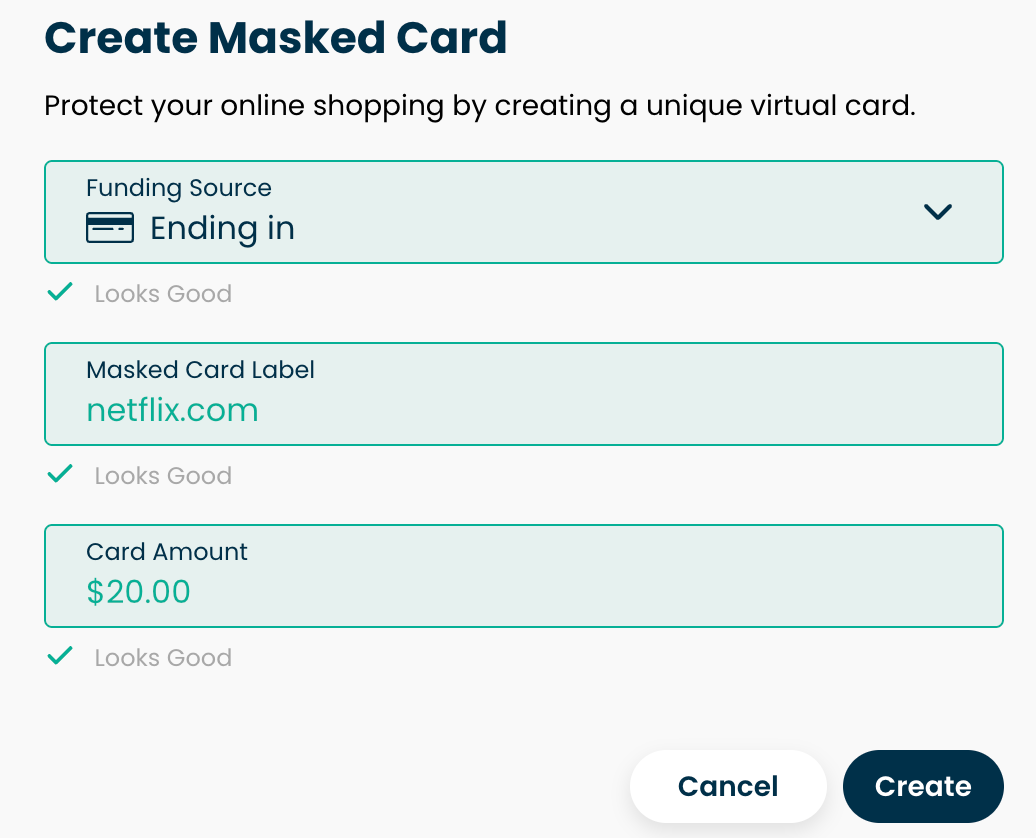
Add a Masked Card Label to identify what the Masked Card will be used on. For example, this can be the website where you will use it.
Enter the amount you'd like to fund the Masked Card with.
5. Click 'Create'.
With the extension:
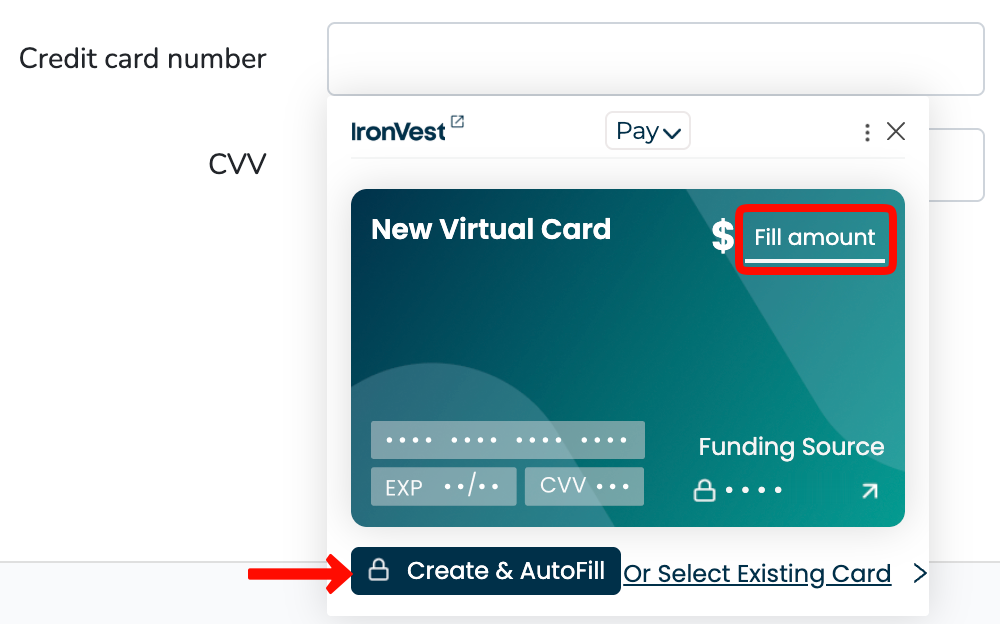
1. Go to a Checkout Page.
2. Click the Card Number field.
4. Enter the amount on 'Fill amount'
5. Click 'Create & Autofill'
On the mobile app:
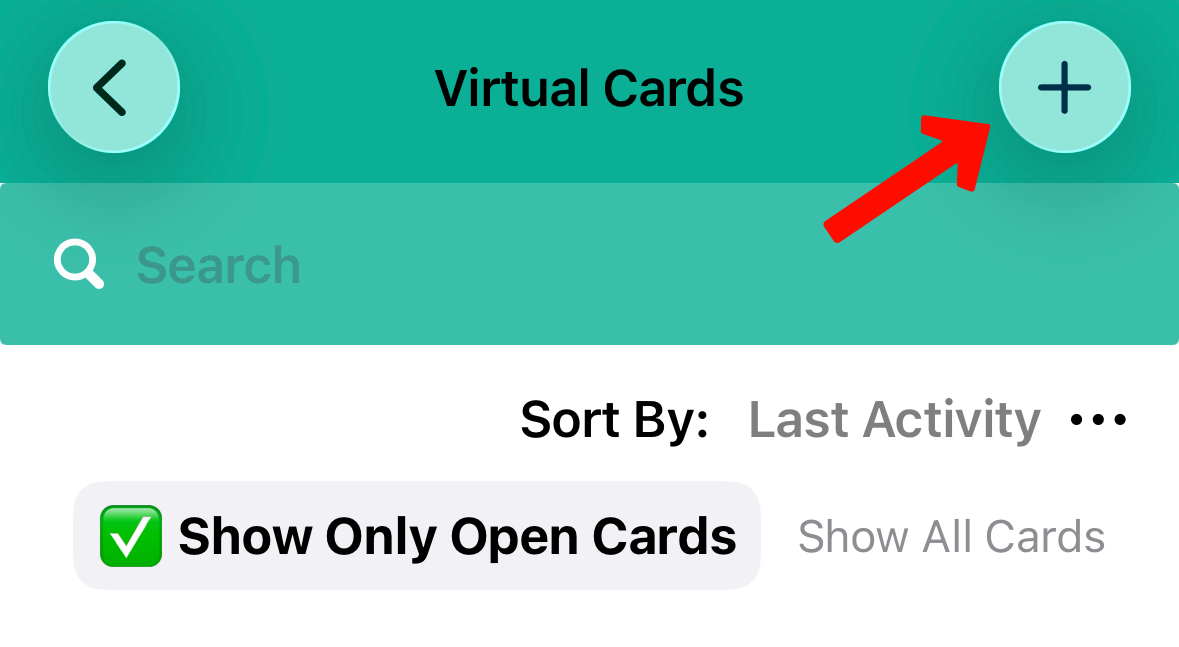
Tap on Virtual Cards
Tap the '+' button at the top
Enter the label and the amount
Tap 'Create Virtual Card'