

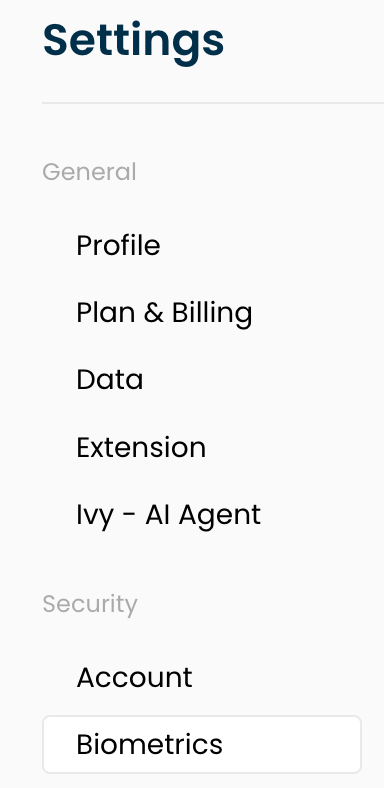
1. Go to your IronVest Settings page: https://ironvest.com/app/settings
2. Select the ‘Biometrics’ section
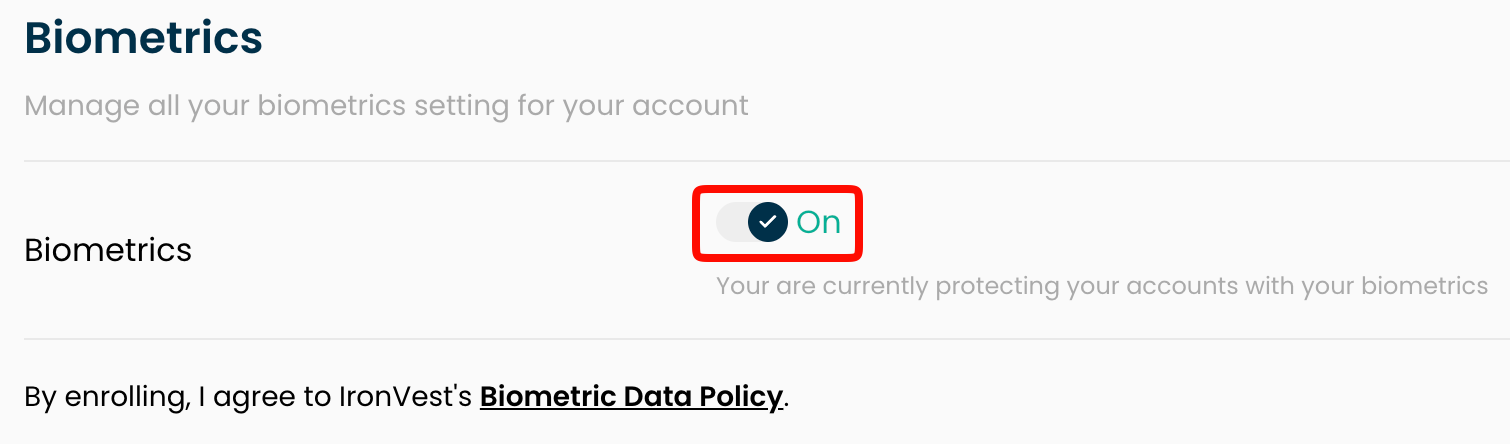
3. Click on the toggle to turn it off.
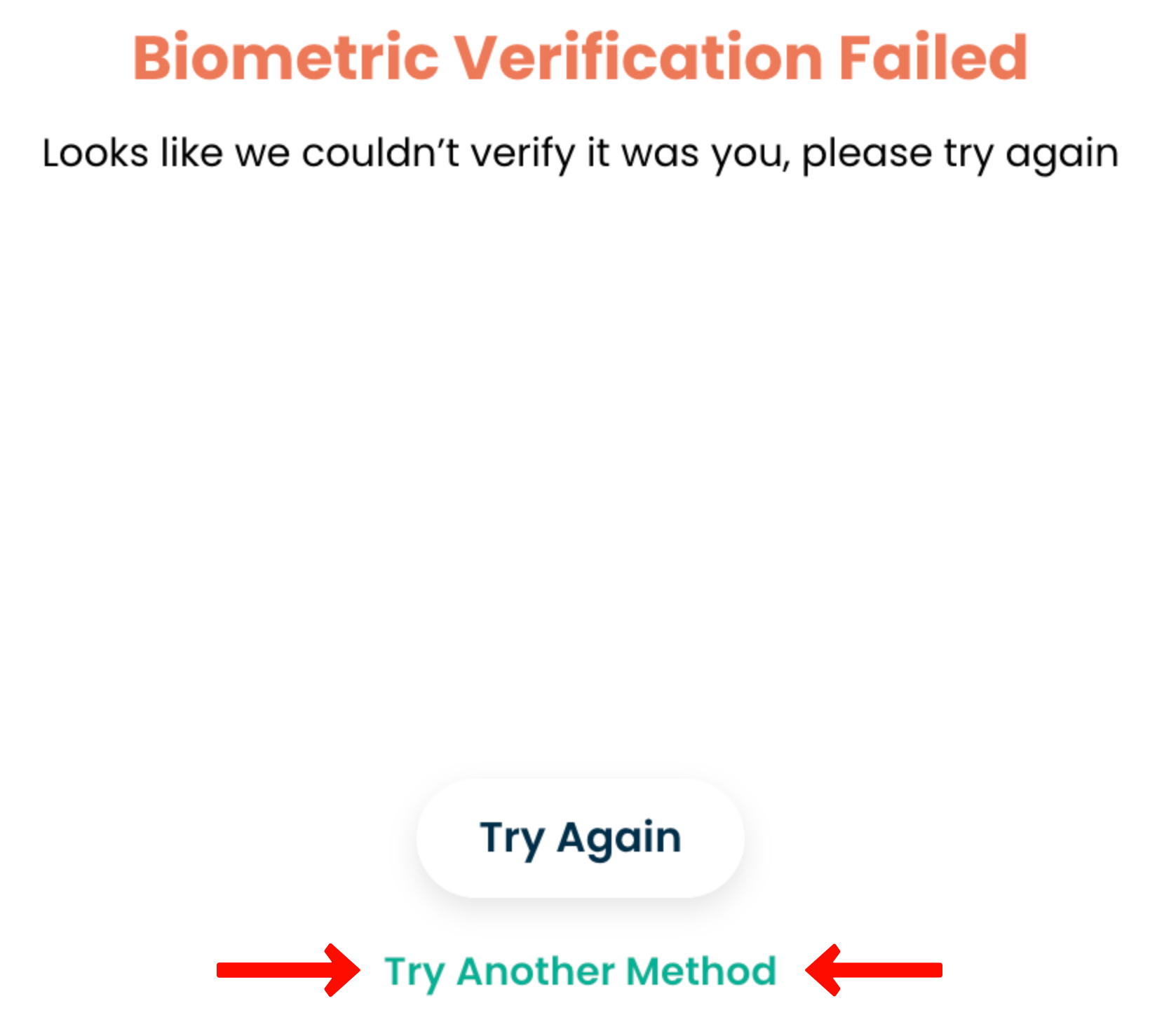
4. There is a last test that you need to complete to fully deactivate the feature. If Biometrics fails, request email verification to deactivate it. To do so, click "Try Another Method" and then "Send Email OTP Verification".
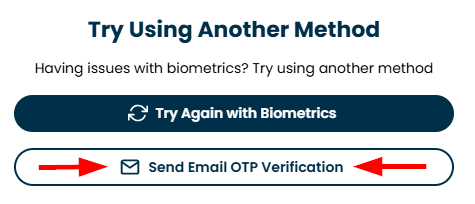
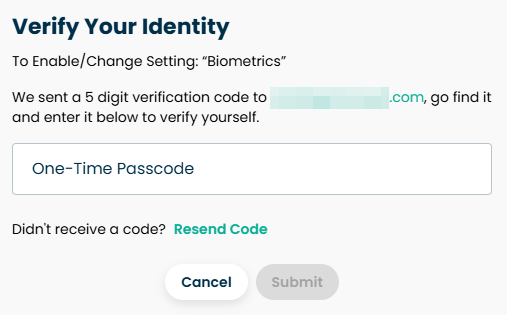
5. You should see the following window on the left side of your screen and receive a code to your email. Enter the code, and when you're done, click "Submit".
If you're experiencing issues disabling Biometrics or encountering other problems, please contact our support team at support@ironvest.com.