Logo

How can we help you?

Find step-by-step guides, troubleshooting tips, and feature explainers to get the most out of our platform.

User Manual

Delete an Account

How to delete a stored account in IronVest

Last updated on 10 Mar, 2026

On the website:

1. Go to the Logins & Passwords section
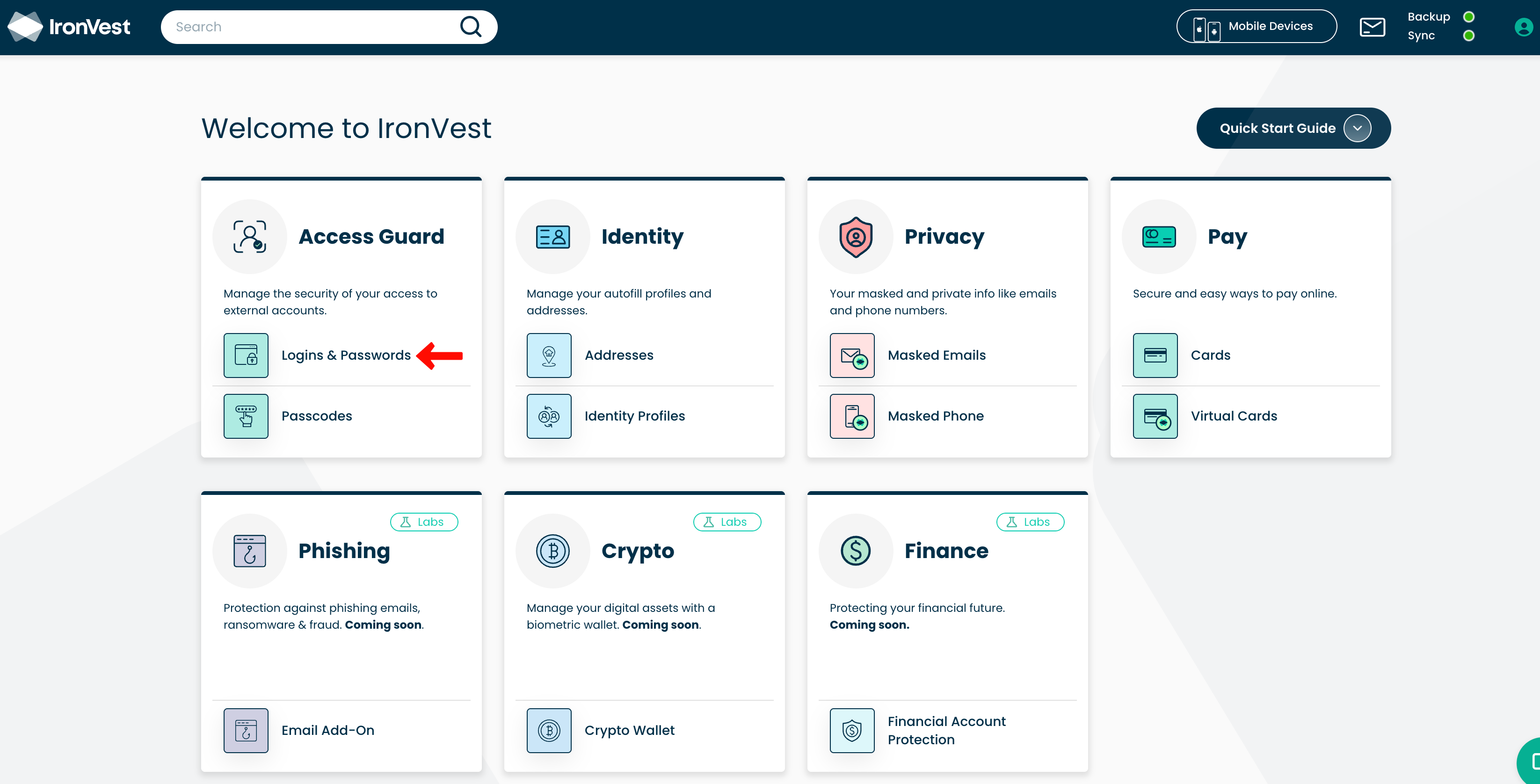
image.png

2. Search for the account you'd like to delete

image.png

3. Click the trashcan icon next to the Edit button

image.png

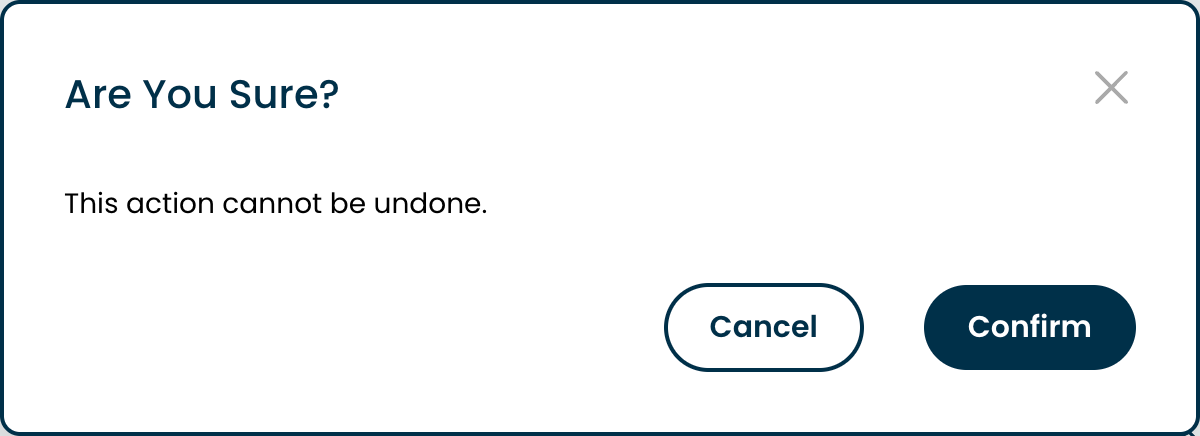
4. Confirm you'd like to delete it

image.png

📝 Note: At this time, it's not possible to delete multiple accounts at the same time, but this is something we are working on.

Did you find this article helpful?
Previous

How to delete my IronVest Account?

Next