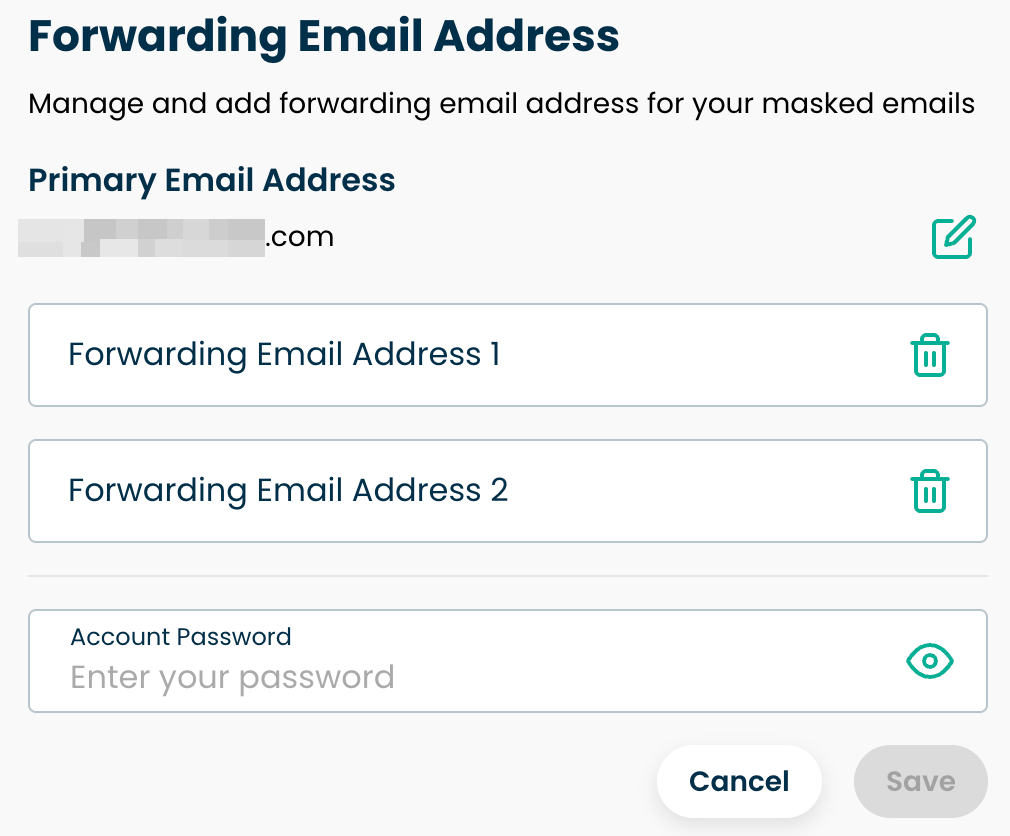
To modify or add your forwarding addresses, please follow these steps:
Go to the Masked Email section.
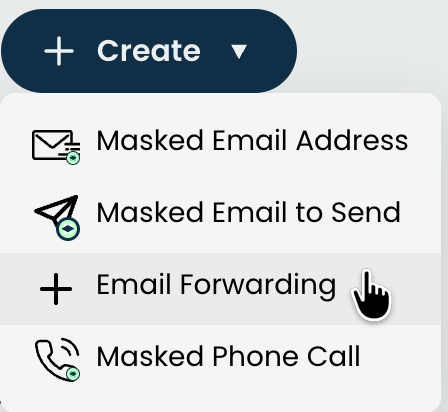
Click the '+ Create' button, and select 'Email Forwarding'
From here, you can add a new address, edit, or delete any existing addresses.
To save your changes, enter your password at the bottom and click the 'Save' button.