

Logo

How can we help you?

Find step-by-step guides, troubleshooting tips, and feature explainers to get the most out of our platform.

How do I login once Two-Factor Authentication (2FA) is authorized?

Two-Factor Authentication

How do I login once Two-Factor Authentication (2FA) is authorized?

Last updated on 04 Nov, 2025

  1. Go to the login page here.

  2. Enter your email address and password and click "Log In".

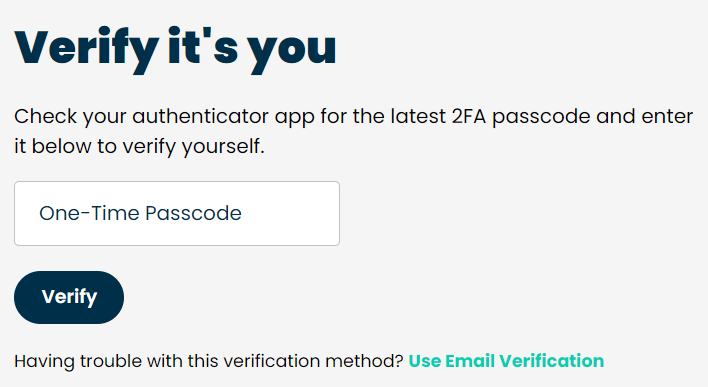
  3. Once you click login, you will be prompted to enter the authentication code generated by your authentication app.

  4. From your mobile device, open the Two-Factor app, and enter the 6-digit number onto the screen, and click "Verify"
Image
Did you find this article helpful?
Previous

My authentication code is rejected

Next